
TutorialUpdated: September 6, 2026
How to learn to draw on a tablet. Tips and lessons for beginners
In short
A graphics tablet is chosen for your hand and your eyes, not for its spec sheet — the school curators compare the brands and say what to look at. Then the software, getting used to your hand and the image being in different places, and exercises for coordination.

2D artist (illustrator)
How to choose a graphics tablet? Brands and recommendations of Skills Up School curators
The main tool of a digital artist is their tablet, and the motivation to continue depends on how comfortable you are working on it. After all, it is much more difficult to create masterpieces if the stylus does not obey, and your eyes hurt from the screen. How to choose a tablet in a huge assortment of gadgets? We asked the curators of Skills Up School about this and collected their experience in a short but useful article.Tablet brands
Regardless of what kind of tablet you need — with a screen or without, we recommend considering three manufacturers: Wacom, Huion and XPPen.- Wacom — the most popular and the most expensive. Wacom tablets are more expensive because they invented and patented the technology, and they are trusted the most.
- Huion — they have proven themselves well, relatively cheap. We ourselves have drawn on different models — responsive, feel good.
- XPPen — also good, slightly inferior to Huion, but начинающих digital artists often choose this brand.
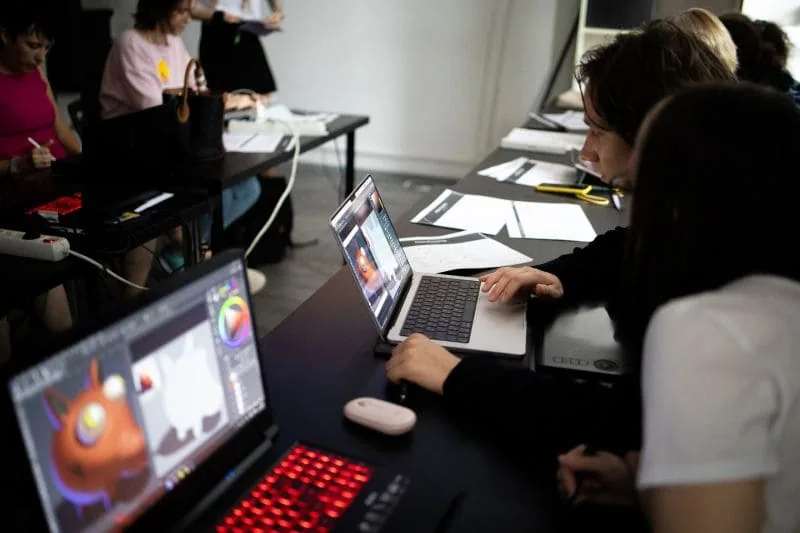 Among the screen ones, XPPen 24 Artist Pro has proven itself well with two pens in the kit and high-quality color reproduction. Its response is not as quick as that of tablets without a screen, but this is hard to notice: the parallax (the distance between the surface you are drawing on and the picture itself) is small, in some places there is a mismatch between the stylus and the cursor, but just a little. It works well with the edges of the screen — some tablets have this problem.
For beginners, such a tablet may be too large and expensive — we recommend taking more budget options to start, and later, when you have already decided to develop in CG, choose more expensive ones according to your needs and goals.
If you are considering buying a non-screen tablet, we recommend Wacom and Huion. Wacom has cool lines:
Among the screen ones, XPPen 24 Artist Pro has proven itself well with two pens in the kit and high-quality color reproduction. Its response is not as quick as that of tablets without a screen, but this is hard to notice: the parallax (the distance between the surface you are drawing on and the picture itself) is small, in some places there is a mismatch between the stylus and the cursor, but just a little. It works well with the edges of the screen — some tablets have this problem.
For beginners, such a tablet may be too large and expensive — we recommend taking more budget options to start, and later, when you have already decided to develop in CG, choose more expensive ones according to your needs and goals.
If you are considering buying a non-screen tablet, we recommend Wacom and Huion. Wacom has cool lines:
- One (http://wacom.ru/products/pen-tablets/one-by-wacom-2017.html)
- Intuos (http://wacom.ru/products/pen-tablets/new-intuos.html)
- Intuos Pro (http://wacom.ru/products/pen-tablets/intuos-pro.html)
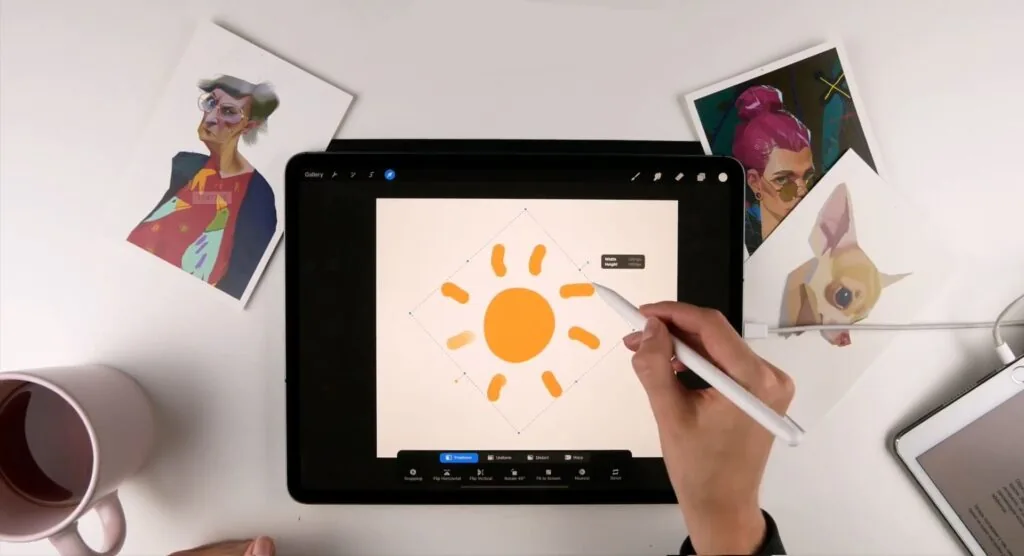 If you want to get into the gaming industry, we do not recommend starting with the «iPad»: it is better to take a screen or a regular tablet of the above brands, because Photoshop is widely used in game development.
The stylus for the tablet comes with screen tablets and without, but for the iPad, the stylus is bought separately and depending on the model or release time, it can be different — the first or second generation.
If you want to get into the gaming industry, we do not recommend starting with the «iPad»: it is better to take a screen or a regular tablet of the above brands, because Photoshop is widely used in game development.
The stylus for the tablet comes with screen tablets and without, but for the iPad, the stylus is bought separately and depending on the model or release time, it can be different — the first or second generation.
The best programs for tablets
Related courses
All courses
from 3 750 ₽
-25%
My first figure
5 000 ₽3 750 ₽
Learn more

from 4 950 ₽
-45%
Book illustration: The first page
9 000 ₽4 950 ₽
Learn more

from 4 950 ₽
-45%
Prop concept: render and atmosphere
9 000 ₽4 950 ₽
Learn more
For screen tablets and regular tablets:
 For IPad:
 If it is uncomfortable and you have to press hard, or, conversely, the pressure is too sensitive, go to the tablet settings and change the pressure level.
2. Practice long lines. To make the line straight, try to draw in one movement. It is important to try to draw at different angles. When you learn to draw such lines, your line art will be «clean», and you will definitely notice it!
If it is uncomfortable and you have to press hard, or, conversely, the pressure is too sensitive, go to the tablet settings and change the pressure level.
2. Practice long lines. To make the line straight, try to draw in one movement. It is important to try to draw at different angles. When you learn to draw such lines, your line art will be «clean», and you will definitely notice it!
 If you did not manage to draw a straight line, feel free to cancel the action and try again! Rotate the canvas for convenience.
At first, the lines may look sloppy, but over time they will become cleaner — the main thing is not to stop practicing.
3. Draw squares and fill them with different textures — so the hand will get used to drawing not only large lines, but also medium and small graphics.
If you did not manage to draw a straight line, feel free to cancel the action and try again! Rotate the canvas for convenience.
At first, the lines may look sloppy, but over time they will become cleaner — the main thing is not to stop practicing.
3. Draw squares and fill them with different textures — so the hand will get used to drawing not only large lines, but also medium and small graphics.
 4. Mark several points and draw lines between them. Use the same principle of long lines that we разобрали above. Draw the line in one stroke, rotate and move away the canvas.

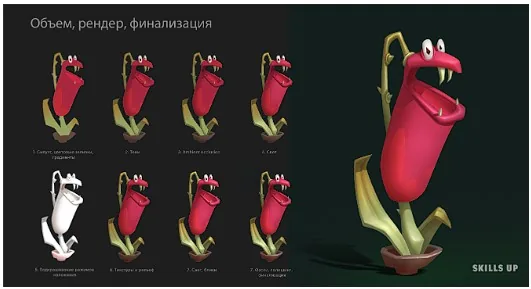 In this course, you will take your first steps in 2D graphics and create three small projects, go through the full cycle of drawing an object and master the basics of working in Photoshop.
In addition to applied skills, we will also tell you about the features of the work of a 2D artist. In the end, you will complete a homework assignment and receive full feedback on your work.
If you want to master programs and their tools with the support of a curator, we recommend paying attention to our express courses — Adobe Photoshop or Procreate.
The courses will be an excellent start on the way to the profession of a 2D artist, both in illustration and in concept art. Already practicing artists on the course will be able to improve their skills and improve their work on professional and creative projects.
In this course, you will take your first steps in 2D graphics and create three small projects, go through the full cycle of drawing an object and master the basics of working in Photoshop.
In addition to applied skills, we will also tell you about the features of the work of a 2D artist. In the end, you will complete a homework assignment and receive full feedback on your work.
If you want to master programs and their tools with the support of a curator, we recommend paying attention to our express courses — Adobe Photoshop or Procreate.
The courses will be an excellent start on the way to the profession of a 2D artist, both in illustration and in concept art. Already practicing artists on the course will be able to improve their skills and improve their work on professional and creative projects.
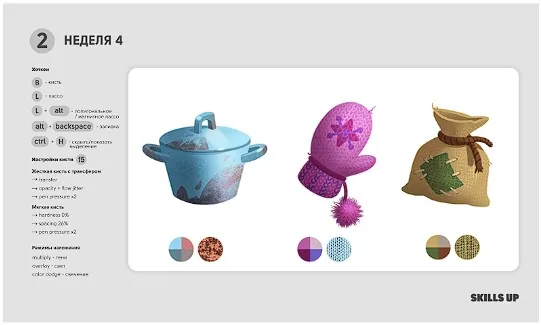 The courses are short and concise, lasting four weeks and include curator support at all stages of training.
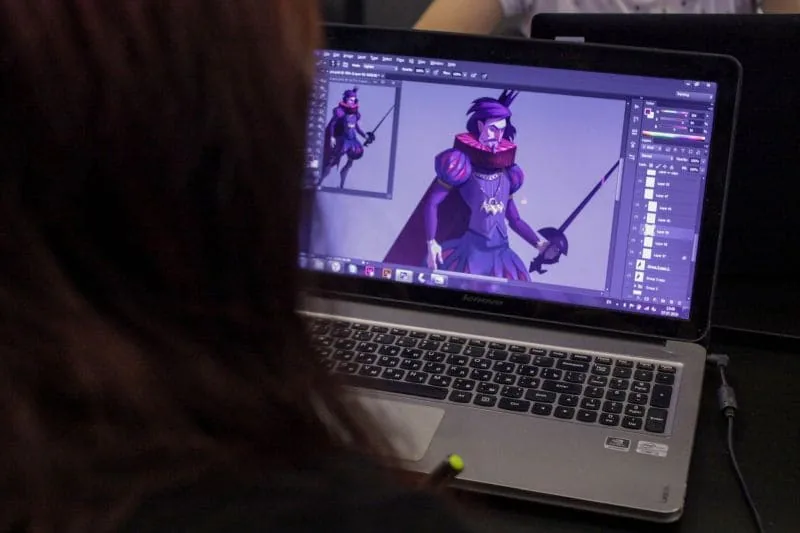
- Adobe Photoshop remains the choice of industry professionals. The program has many convenient functions and tools for an artist.
- Clip Studio Paint — this is a professional editor with support for layers, brushes and filters. In this program, you can import and export many formats, including PSD (Adobe Photoshop format)
- Heavypaint. As curator Marina Peregud says, for digital painting — a find: «The program limits the artist a lot, there are no many familiar tools, but this, on the other hand, is cool — you give up all the лишнего and are left one on one with painting».
For IPad:
- Procreate. Sketches, drawings, animations, illustrations — all this can be done in Procreate. Procreate pleases with the ability to import and export to PSD format, so you can combine work on the IPad (for example, draw sketches) and in Adobe Photoshop (render, volume).
- Heavypaint. We talked about this program above =)
How to get used to a graphics tablet
First, you need to set up the graphics tablet and pen (stylus). If you are drawing on an IPad, you need to connect the stylus. It will be a plus if you first use the pen (stylus) as a mouse. Watch your posture and the position of your elbows on the table — they should lie comfortably on the surface. Second, what you need to do is — decide on the program you will be drawing in. These are the basic brush sets for Procreate and Adobe Photoshop — we suggest installing them for training. Download brushes for Photoshop, Download brushes for Procreate The third step for beginners — this is hand setting: as in classical education, you need to feel the material you are drawing with. At first, your hand may get tired — take breaks in drawing and make sure that there is no pinch in the wrist.Exercises for hand training
1. Without lifting the stylus from the tablet, draw swirls of different sizes and waves. This is necessary so that you feel the pressure.
If it is uncomfortable and you have to press hard, or, conversely, the pressure is too sensitive, go to the tablet settings and change the pressure level.
2. Practice long lines. To make the line straight, try to draw in one movement. It is important to try to draw at different angles. When you learn to draw such lines, your line art will be «clean», and you will definitely notice it!
If you did not manage to draw a straight line, feel free to cancel the action and try again! Rotate the canvas for convenience.
At first, the lines may look sloppy, but over time they will become cleaner — the main thing is not to stop practicing.
3. Draw squares and fill them with different textures — so the hand will get used to drawing not only large lines, but also medium and small graphics.
4. Mark several points and draw lines between them. Use the same principle of long lines that we разобрали above. Draw the line in one stroke, rotate and move away the canvas.
Drawing lessons on the tablet
Free lesson «First steps in gamdev»
In this course, you will take your first steps in 2D graphics and create three small projects, go through the full cycle of drawing an object and master the basics of working in Photoshop.
In addition to applied skills, we will also tell you about the features of the work of a 2D artist. In the end, you will complete a homework assignment and receive full feedback on your work.
If you want to master programs and their tools with the support of a curator, we recommend paying attention to our express courses — Adobe Photoshop or Procreate.
The courses will be an excellent start on the way to the profession of a 2D artist, both in illustration and in concept art. Already practicing artists on the course will be able to improve their skills and improve their work on professional and creative projects.
The courses are short and concise, lasting four weeks and include curator support at all stages of training.Related materials
Tutorial
Blender 3D lessons for beginners
December 27, 2024
Tutorial
How to draw magical fire
September 18, 2023
Tutorial
How to learn to draw
April 24, 2024
Tutorial
Drawing with a pencil for beginners: Step by step to mastery
January 3, 2024
Tutorial
Sculpting lessons in ZBrush for beginners: creating a 3D snowman model
September 18, 2023
Article
3 tips for a beginner character artist. How to draw emotions
September 18, 2023