TutorialUpdated: September 6, 2026
Learning to draw glow
In short
Glow is made with gradients and blend modes, not by lightening the object itself. Choosing colours for the core and the halo, brushes for soft light, layer setup — and how the glow should change the colour of everything around it.

2D artist (illustrator)
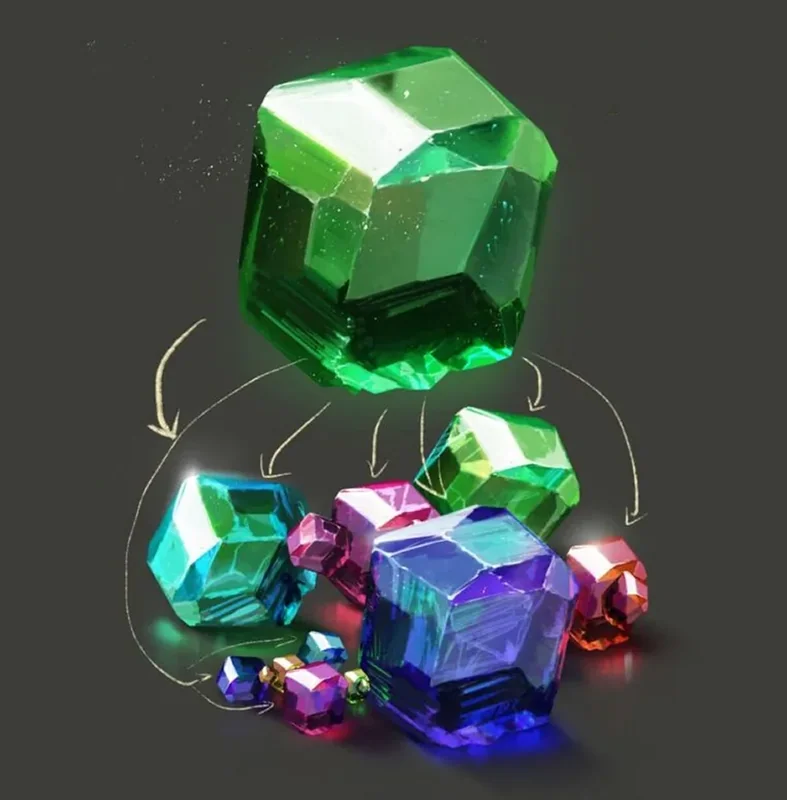
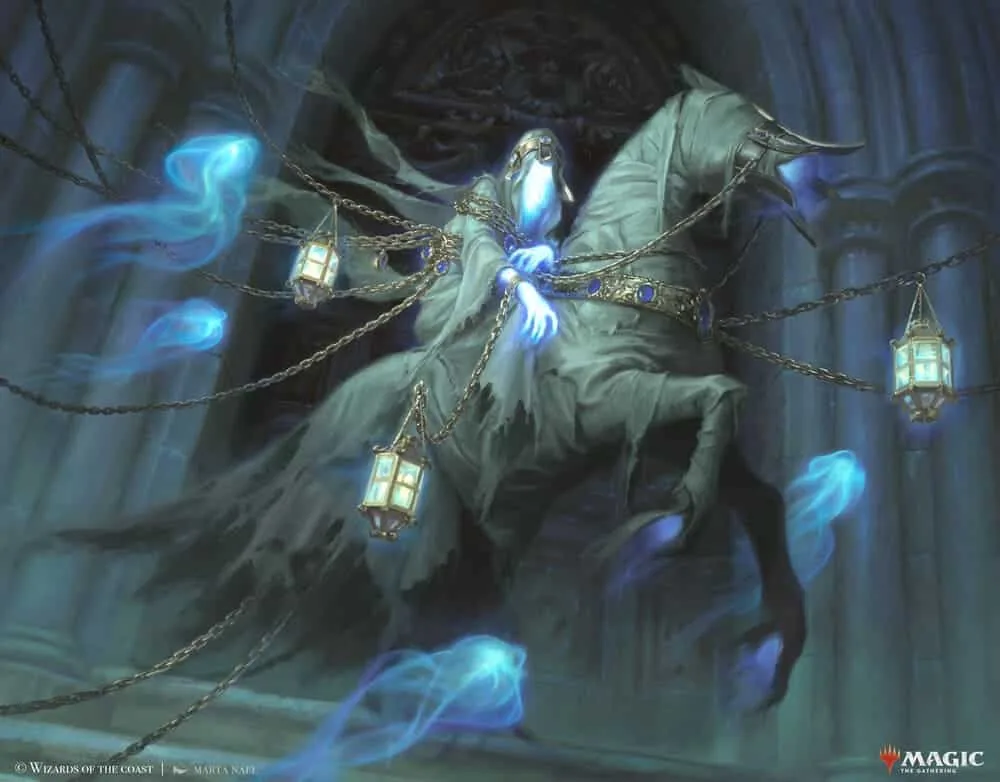
Luminescence is not just a visual effect, but a powerful tool that can bring an illustration to life, give it depth, and add atmosphere. In this guide, we will look at how to effectively draw luminescence using gradients, layer blending modes, and special brushes. These techniques will help make your work more expressive and professional.

Basics of gradients: Base for luminescence
What are gradients?
Gradients are smooth transitions between colors that create a sense of volume and softness. They play a key role in working with light and luminescence, allowing you to achieve realistic and artistic effects.How to choose colors for luminescence?
- The central area of luminescence usually has the brightest and coolest shade (white, light blue, light green).
- The outer edges of the luminescence can be warm (yellow, orange, pink), creating contrast and enhancing the luminescence effect.
Tips:
Experiment with different types of gradients (linear, radial, custom). Use multiple layers with different gradients to add depth and make the luminescence more natural.
Tools and brushes for creating luminescence
The right choice of brushes helps to achieve the desired effect. Let's look at the main tools:- Soft brushes: Use round soft brushes with low transparency to gently layer light.
- Hard brushes: Suitable for bright highlights and sharp accents.
- Smudge Tool: Allows you to create soft light rays. The optimal pressure strength is 60–80%.
- Special brushes: Bokeh, sparkle, and highlight brushes help speed up work and add realistic details.
Layer settings: blending modes and effects
Layers allow you to automate the process and achieve realistic luminescence. Let's look at the main functions:Layer blending modes
- "Screen": makes colors brighter and enhances luminescence.
- "Overlay": enhances color and creates a shining effect.
- "Add" / "Linear Dodge": create intense luminescence.
Layer effects
- Outer Glow: adds soft light around the object.
- Inner Glow: creates the effect of luminescence from the inside.
Luminescence settings: working with details
For realistic luminescence, it is important to correctly distribute brightness and saturation:- The central area should be the brightest.
- The luminescence should gradually fade at the edges.
- Glowing letters in inscriptions.
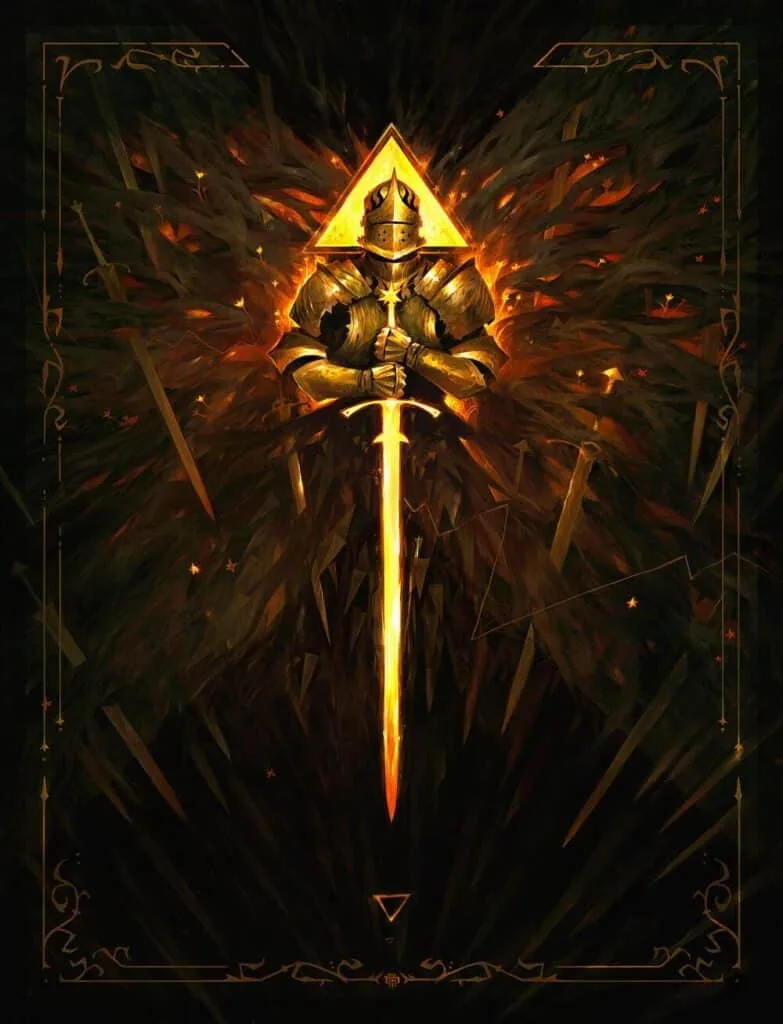
- Magical luminescence of weapons or artifacts.
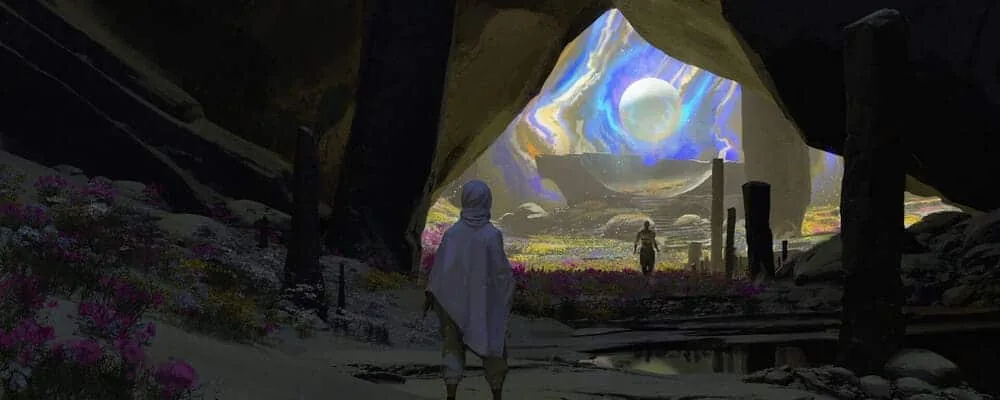
- Bokeh and glowing particles in the background.
Creating a rainbow luminescence
Rainbow luminescence is suitable for fantasy elements, such as fairy wings or magical artifacts.Steps:
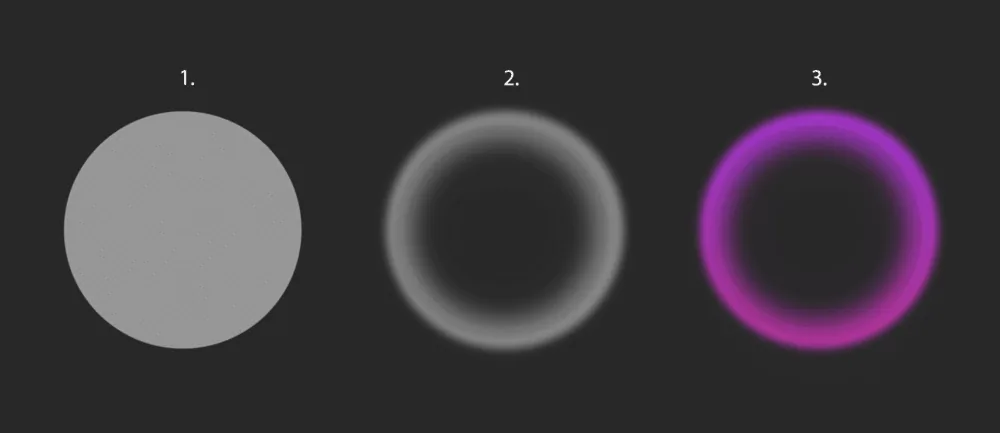
- Draw the shape of the luminescence (rays, circles, aureoles).
- Erase the middle with a soft brush to create a smooth рассеивания effect. Add a slight Gaussian blur to the layer.
- Add a gradient from red to purple and set the blending mode to "Soft Light" or "Overlay".
Advanced techniques: lines and details
How to draw glowing lines:
- Draw a line with a brush of the required diameter, holding down Shift.
- Duplicate the layer, add a slight Gaussian blur to the lower layer.
- Increase the brightness of the upper layer, add colored gradients to both layers through the "Overlay" blending mode.
- Add sparks and particles to enhance the magical effect.
- Use lines in decorative patterns.
Tips for creating magical luminescence
Contrast and balance:
- Light effects look better on a dark background.
- Don't overload the work with too much luminescence — it can make the image "dirty".
Harmony of colors:
- Make sure that the color of the luminescence matches the overall palette.
- Experiment with contrasting shades to attract attention.
- The object stands out well against the background.
- The luminescence has a logical distribution and smooth transitions.
- The main light source is consistent with shadows and highlights.
Conclusion
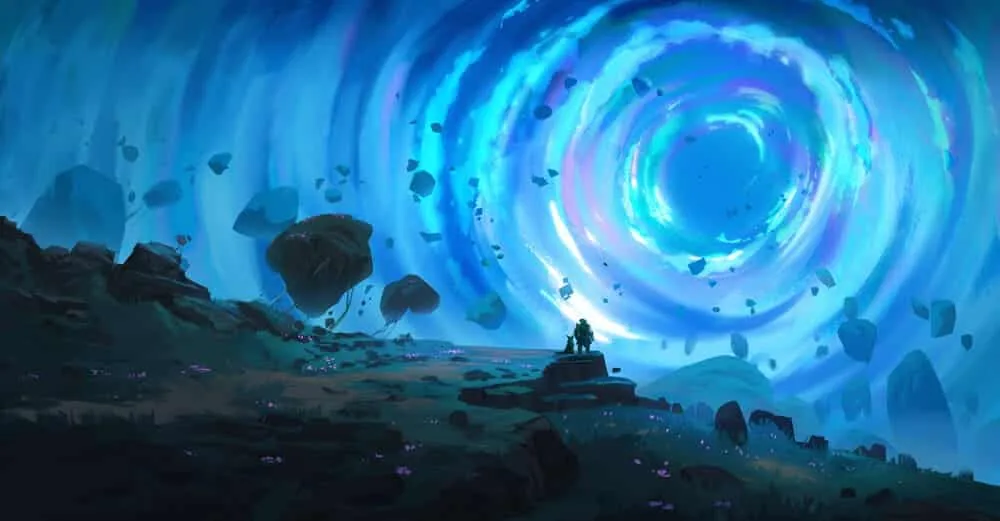
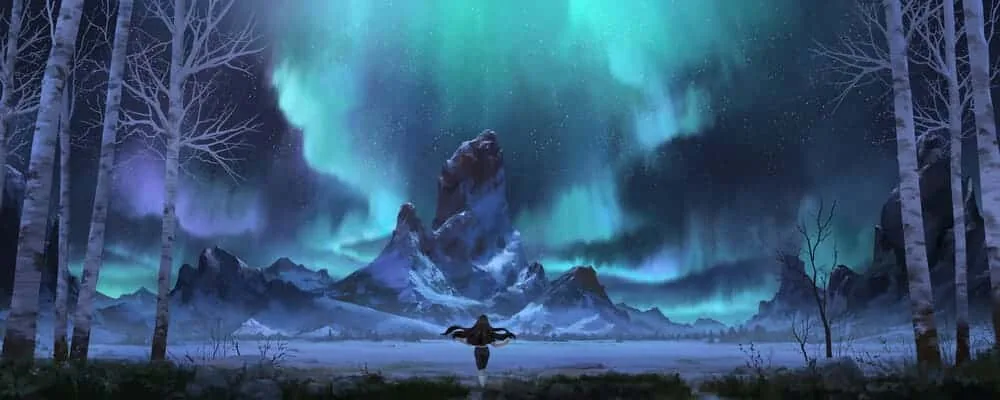
Creating luminescence is an art that requires practice and experimentation. Using the techniques described, you can add magic to your work, emphasize details, and create an exciting atmosphere. Try, explore new methods, and share your results!A glow looks especially nice in a night scene. See, step by step, how to draw a landscape in a cool, close palette.